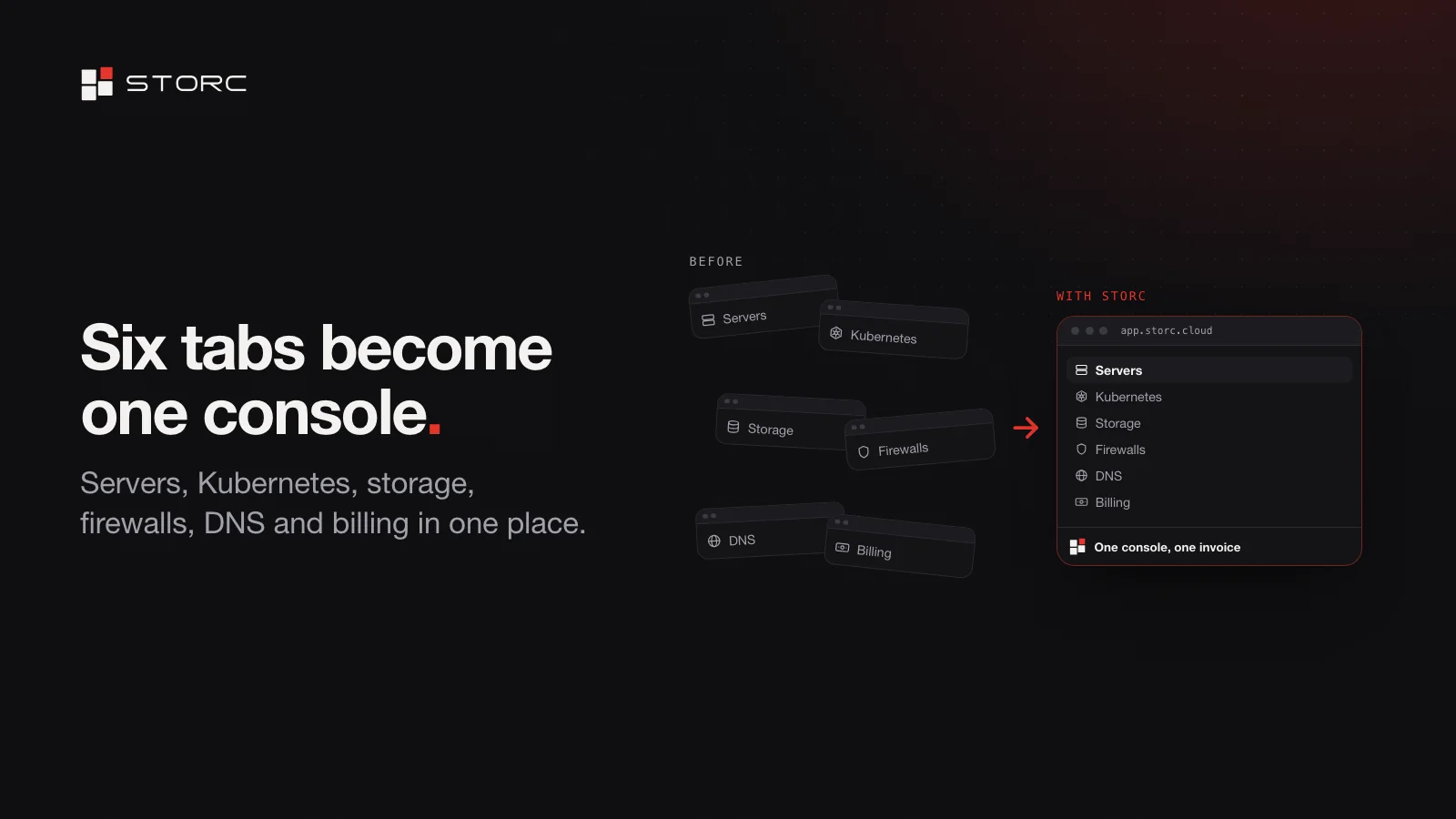
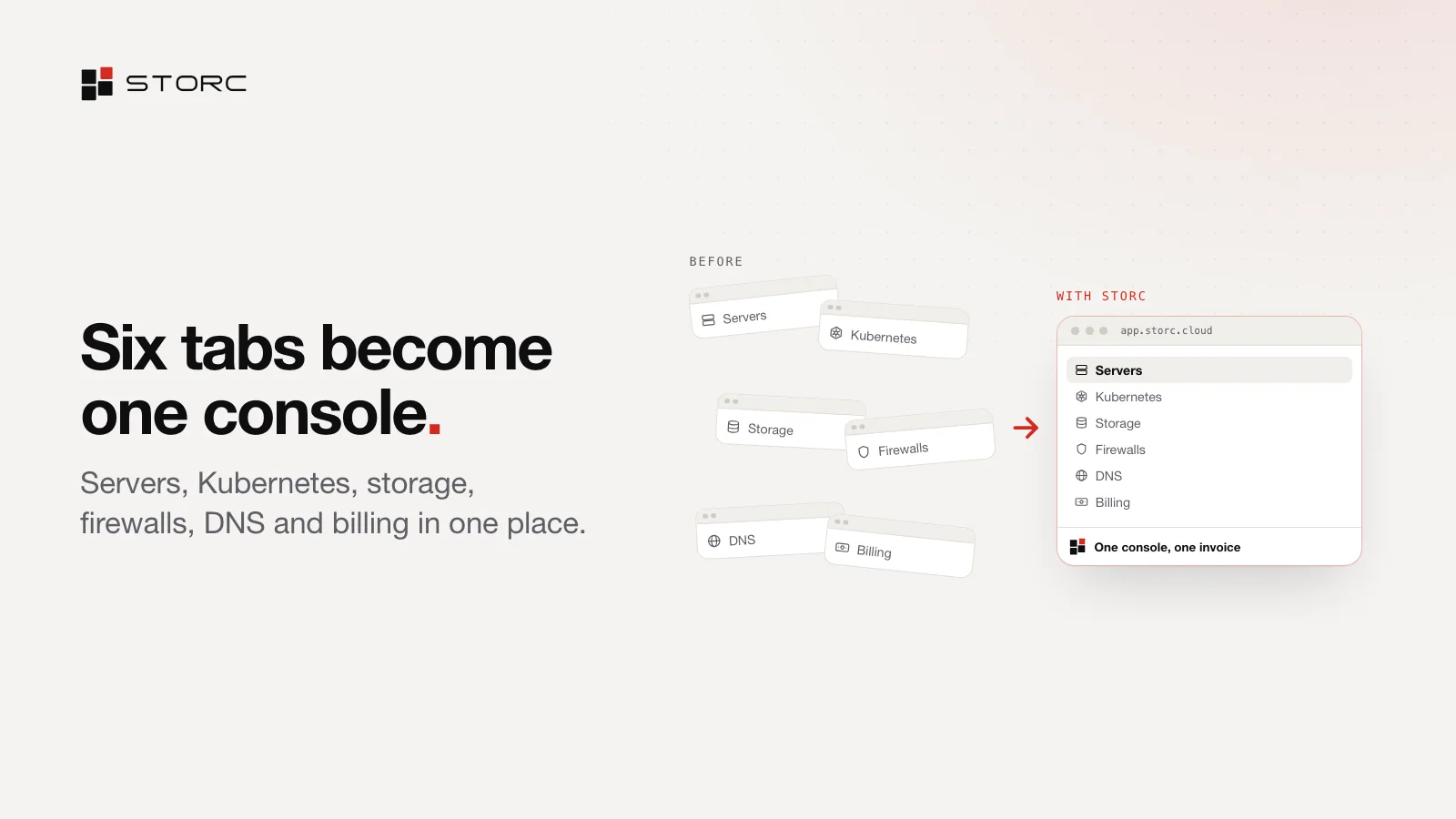
For a software team, infrastructure is rarely one thing. Servers live in one place, object storage in another and DNS in a third, each with its own account, its own permission list and its own invoice. As the team grows, a Kubernetes dashboard and a usage spreadsheet join the pile. Then the person who set it all up leaves, and nobody knows whose account the servers are on.
We built Storc to take the sprawl out of all that. This post covers what Storc is, what’s in the console, how you pay and who it’s for.
The short version
Storc is a cloud platform you run from one console, whether you rent servers from us or bring your own. Servers, Kubernetes, object storage, private networks, firewalls, load balancers and DNS all live in that console, under one set of permissions and one invoice. Roles and an activity log let your team work self-serve. Compute is metered by the hour. And the core of the platform, Open Storc, is open source.
What’s in the console
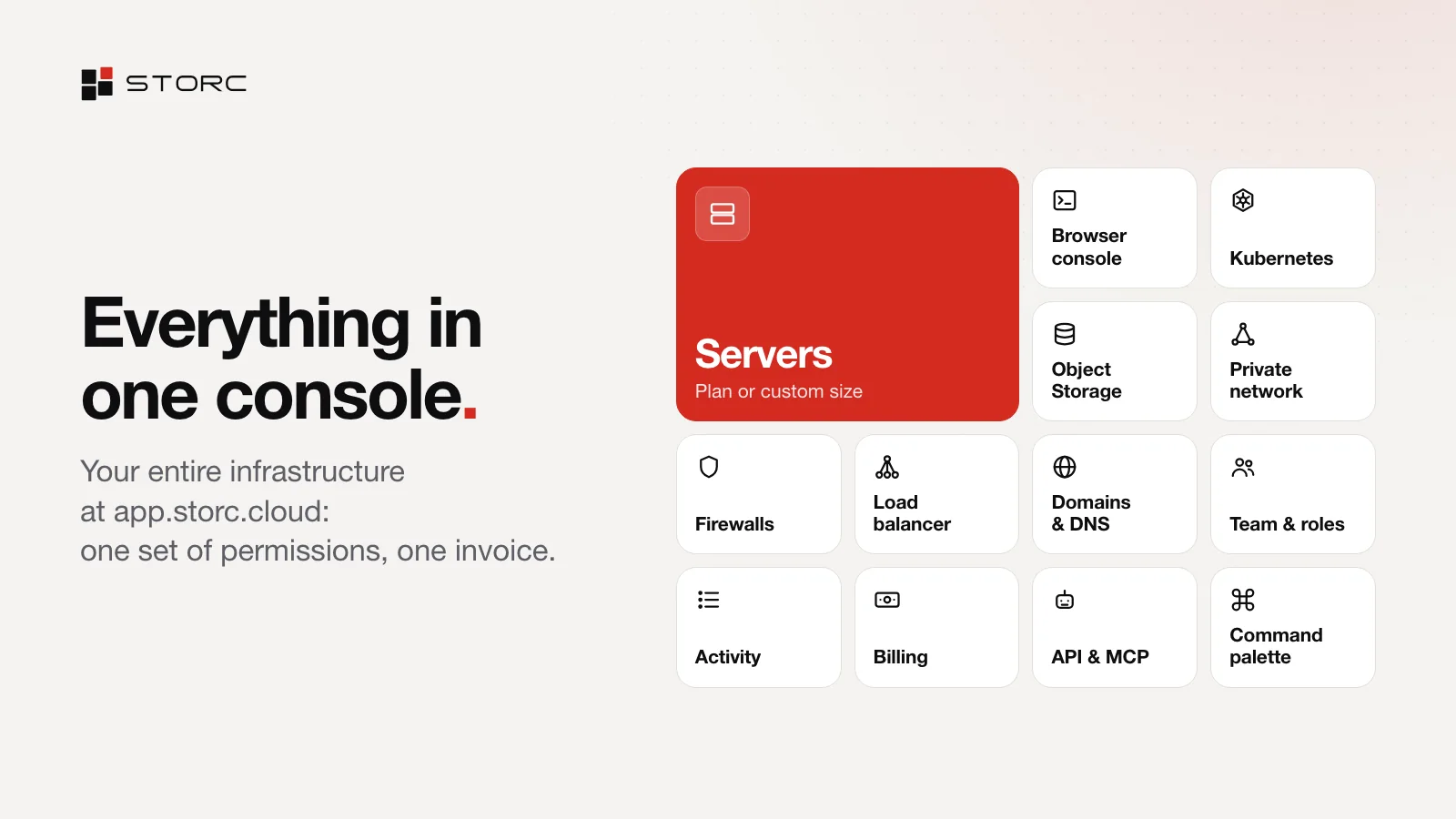
Everything below lives at app.storc.cloud. The console comes in light and dark themes, and ⌘K (Ctrl+K on Windows and Linux) jumps to any screen, server or action.
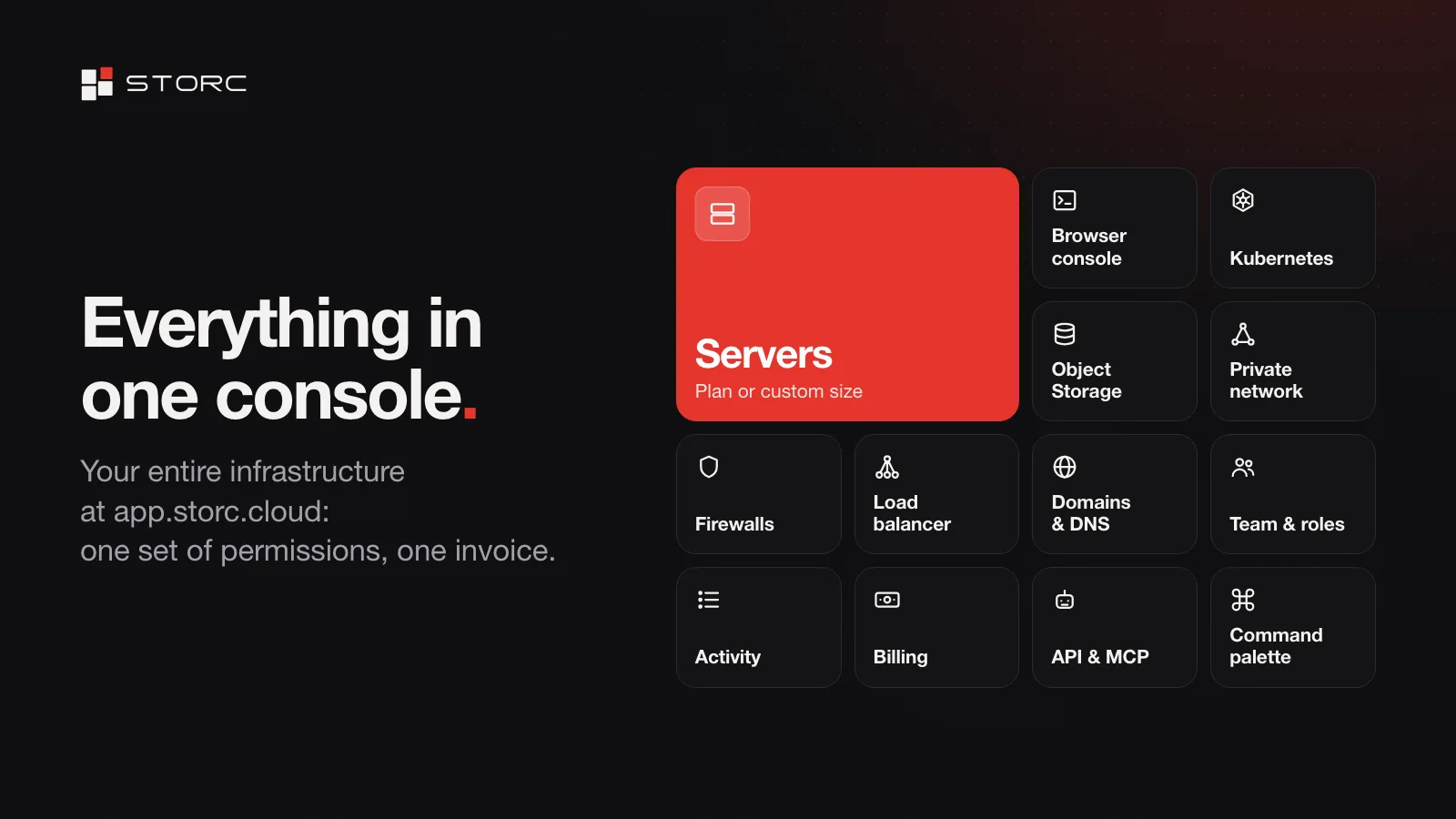
- Servers. Pick a preset size or set your own mix of vCPU and memory, choose a Linux or Windows image, and add tags, SSH keys, a private network, a public IP and a firewall. Before anything is created you see a summary and the matching API call; nothing starts until you confirm. When SSH isn’t an option, the browser console gets you in over serial or VNC.
- Object storage. S3-compatible, with stores on one or three nodes and buckets that each get their own quota. Access keys are issued per bucket with read, write or owner permissions, and the secret is shown once. On a three-node store, every object is replicated to three separate disks. Connect with the S3 tools and SDKs you already use.
- Kubernetes. Managed clusters: we run the control plane on Talos Linux, on one or three nodes, and the workers are your own servers. Download the kubeconfig or run kubectl right in the browser. Each cluster is built inside your private network.
- Private network. Your servers get an isolated private network with subnets, and a gateway handles traffic in and out of it. Once an admin turns on Zero Trust access, your team reaches the network without a VPN. Public IPv4 addresses come from a pool: attach one, release it and set its reverse DNS.
- Firewalls. Closed by default: with no firewall, inbound traffic is blocked. Start from a template (SSH, Web or Web + SSH) and write rules by protocol, port and source. One table shows every open port with its server, IP, source and firewall.
- Load balancer. Publish a web app from any server on your own domain: point a CNAME at it and you’re live, even without a public IP. HTTPS certificates are issued and renewed automatically, and plain HTTP is redirected to HTTPS. When you need every protocol and your own capacity, run your own load balancer with a dedicated IP.
- Domains and DNS. Each domain shows its registrar and expiry date, with reminders before it lapses. Edit A, AAAA, CNAME, MX, TXT, NS, SRV and CAA records right in the console.
- Team and activity log. Resources belong to your organisation, not to whoever created them. Invite people by email as owner, admin, member or viewer; one account can belong to several organisations. The activity log records every action: when, who, what happened and to which resource, whether the actor was a person, an API token, an AI assistant or the system.
- API and MCP. If it’s in the console, it’s in the API. Tokens carry a name, a role and a read or write scope; revoke one and it stops working immediately. Connect your AI assistant over MCP: it works from the same catalogue of actions as the console and asks for your approval before any change.
Pay only for what you use
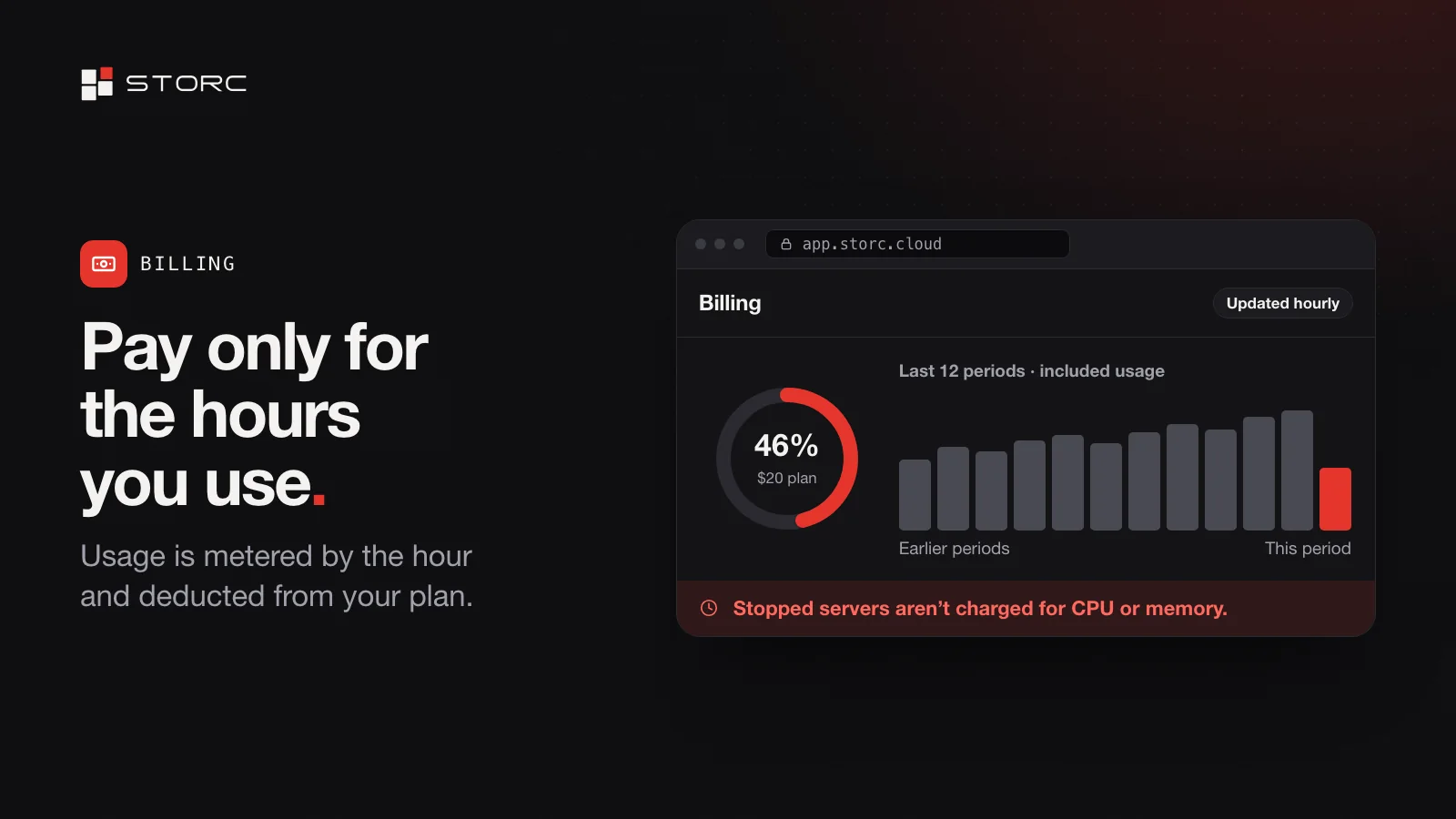
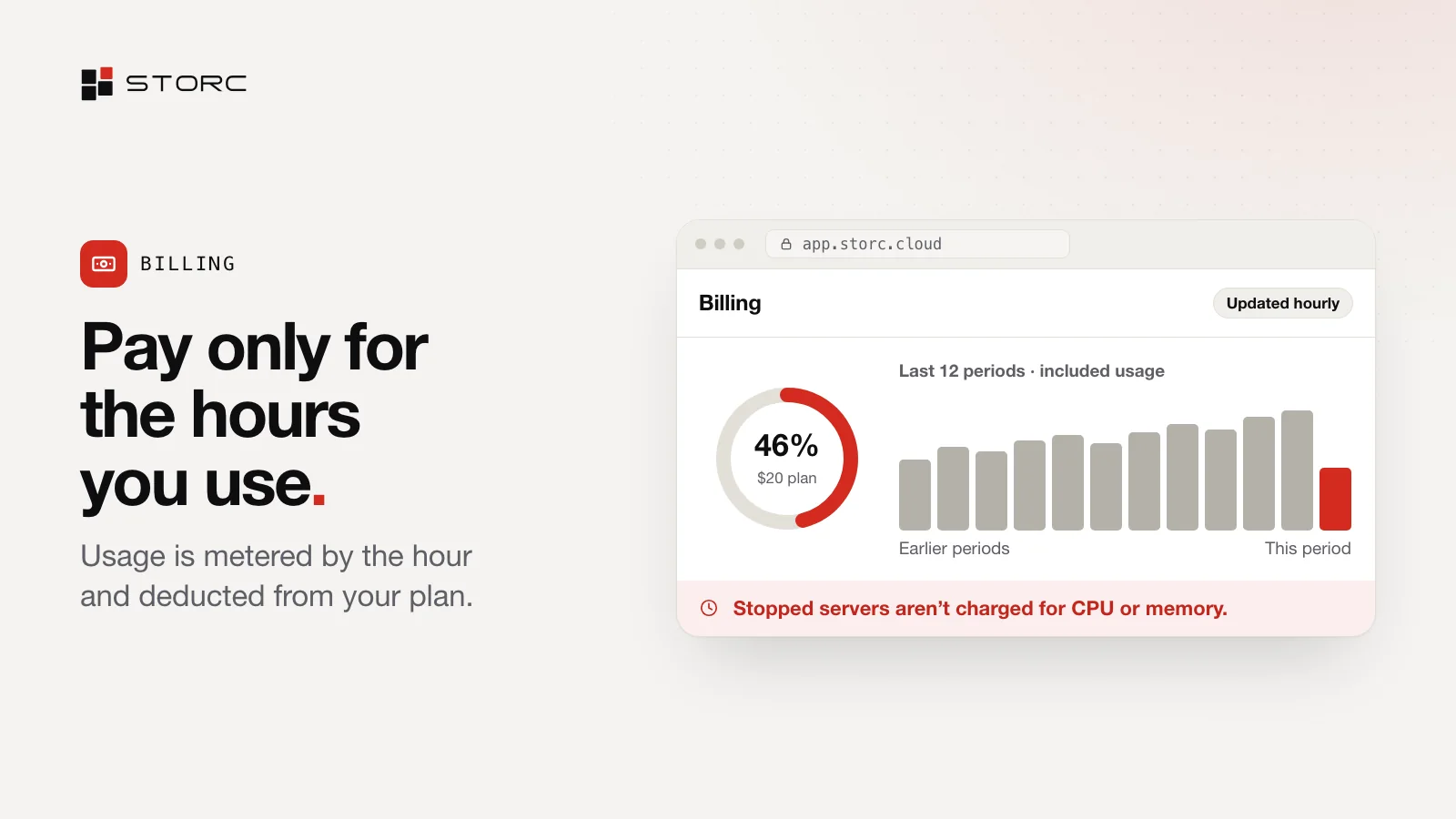
Every plan sets your limits and comes back to you as usage credit each month, and servers are metered by the hour against it. A stopped server isn’t charged for CPU or memory; disk and public IPv4 addresses are billed separately. The console shows your plan and your usage on one screen, and usage updates every hour.
- Free is for trying it out: $5 of usage in your first month, then $1 a month, with servers up to 1 vCPU and 512 MB of memory.
- Hobby, at $5 a month, is for solo projects: $5 of usage included every month, public IPv4 addresses and up to 12 vCPU and 24 GB of memory in total.
- Pro, at $20 a month, is for teams: $20 of usage included every month, no seat limit and up to 24 vCPU and 48 GB of memory in total.
- Enterprise is set up for your organisation, with a monthly commitment, no vCPU or memory caps, single sign-on and dedicated support.
Hourly billing makes the biggest difference in development and test environments. For CPU and memory, a test environment that runs 40 hours a month pays about 6% of what the same server costs running all month (40 of 720 hours). Spin it up, run your tests, shut it down. Hourly billing, explained walks through the math.
Our servers or yours
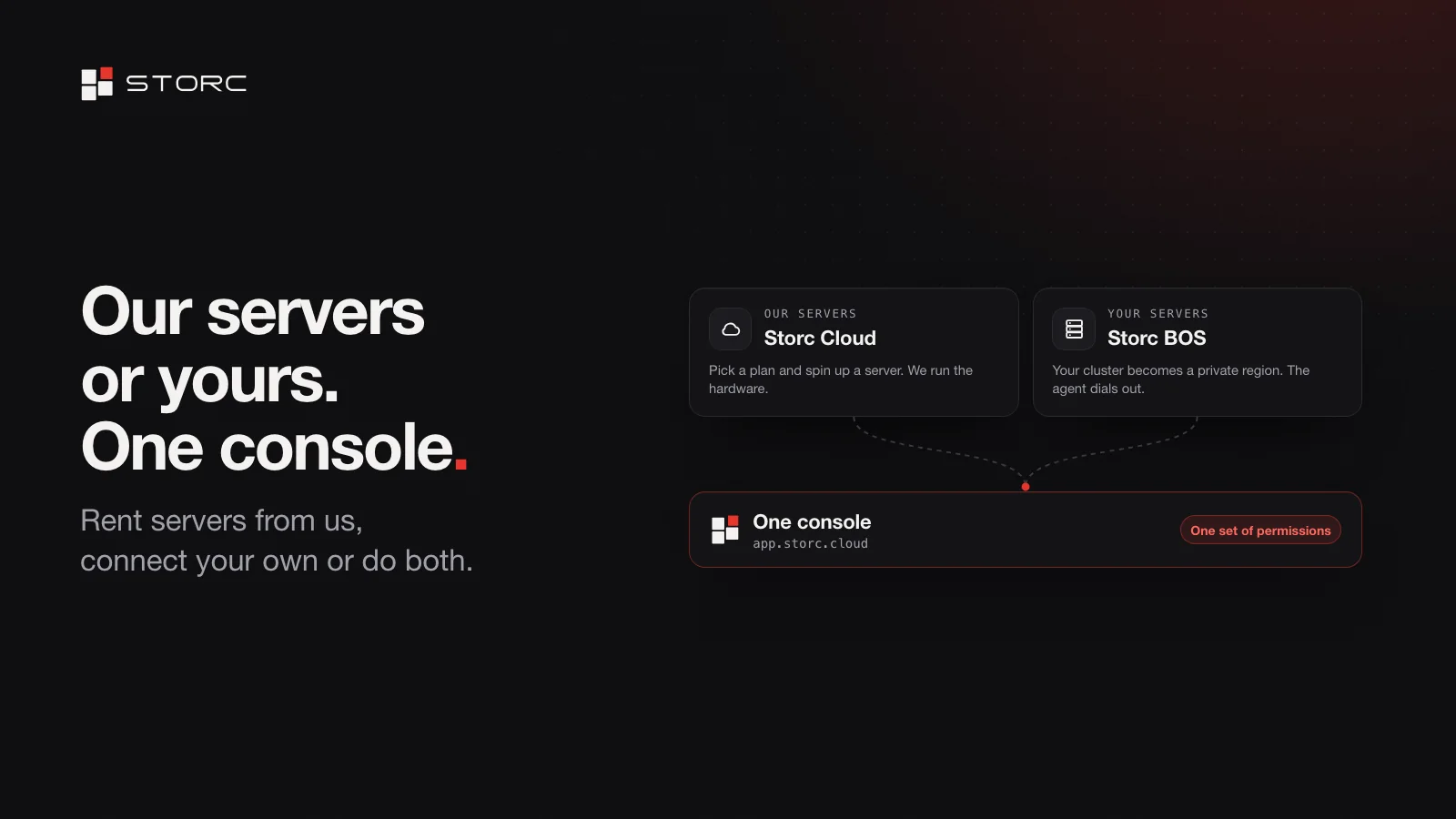
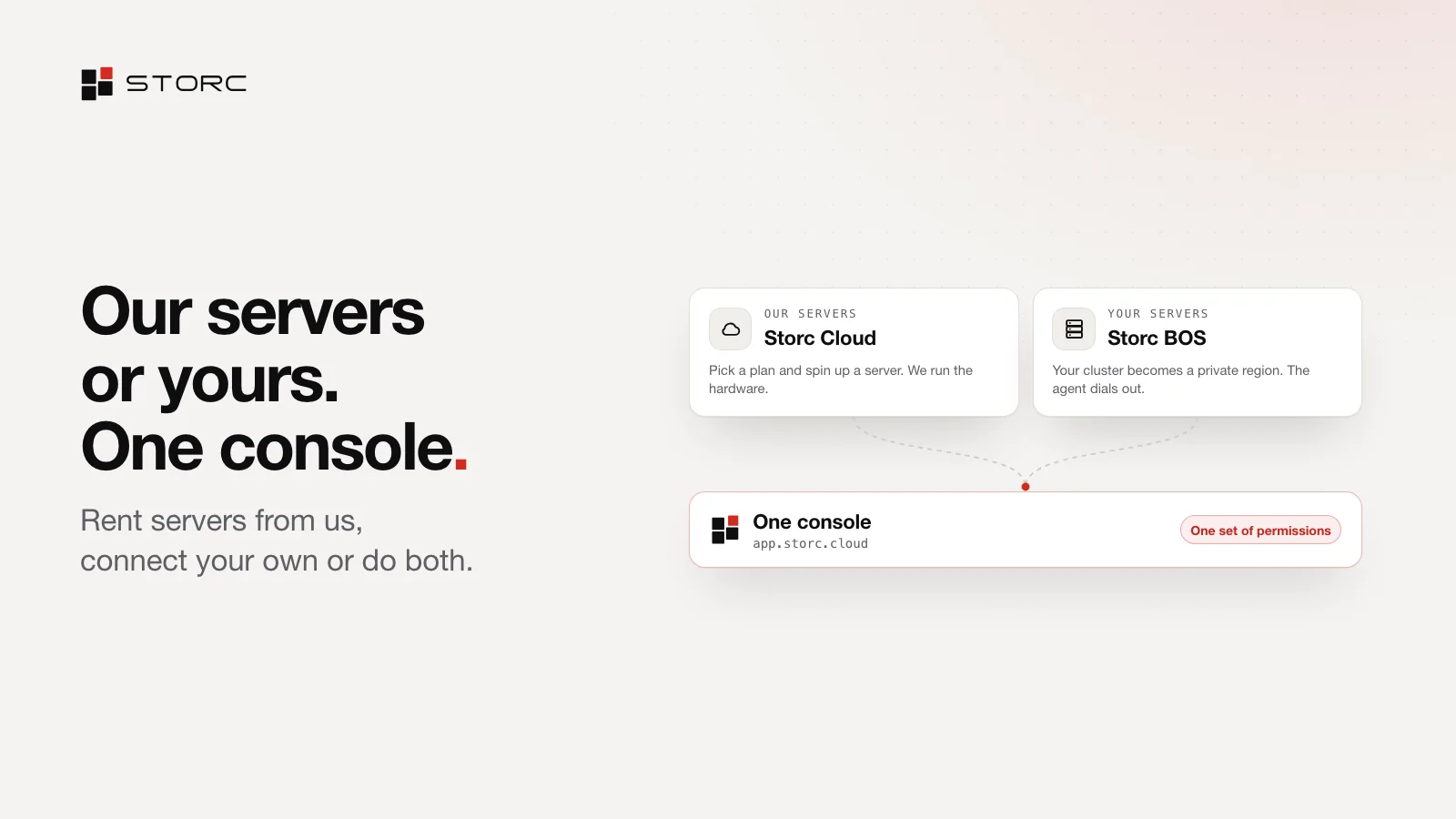
Storc is one platform, wherever it runs:
- Need servers? Storc Cloud: start free at app.storc.cloud, pick a plan when you need more and spin up a server. We run the hardware and the platform.
- Selling servers? Storc Reseller: your own tenant, domain, brand and pricing, with sign-in under your name and wholesale billing. Our hardware, your margin.
- Want to manage your own servers? Storc BOS: bring your own servers. Your cluster becomes your private region, run from the same console.
- Selling and managing from your own data centre? Storc On-prem: the whole platform in your data centre, with SLA and support.
All four run on Open Storc, the open-source core of the platform. Why our core is open source explains why we built it that way.
How it works: regions and the agent
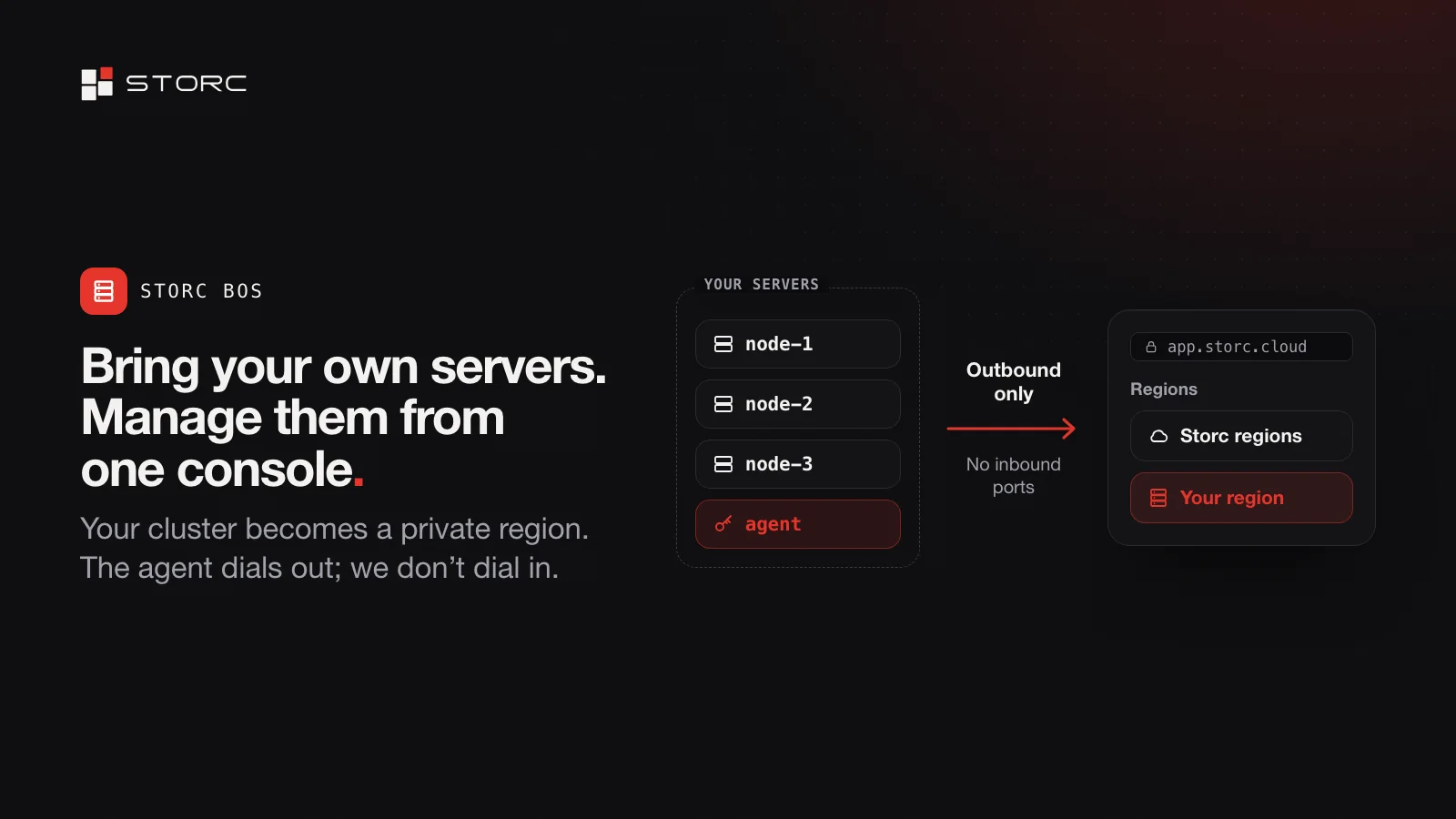
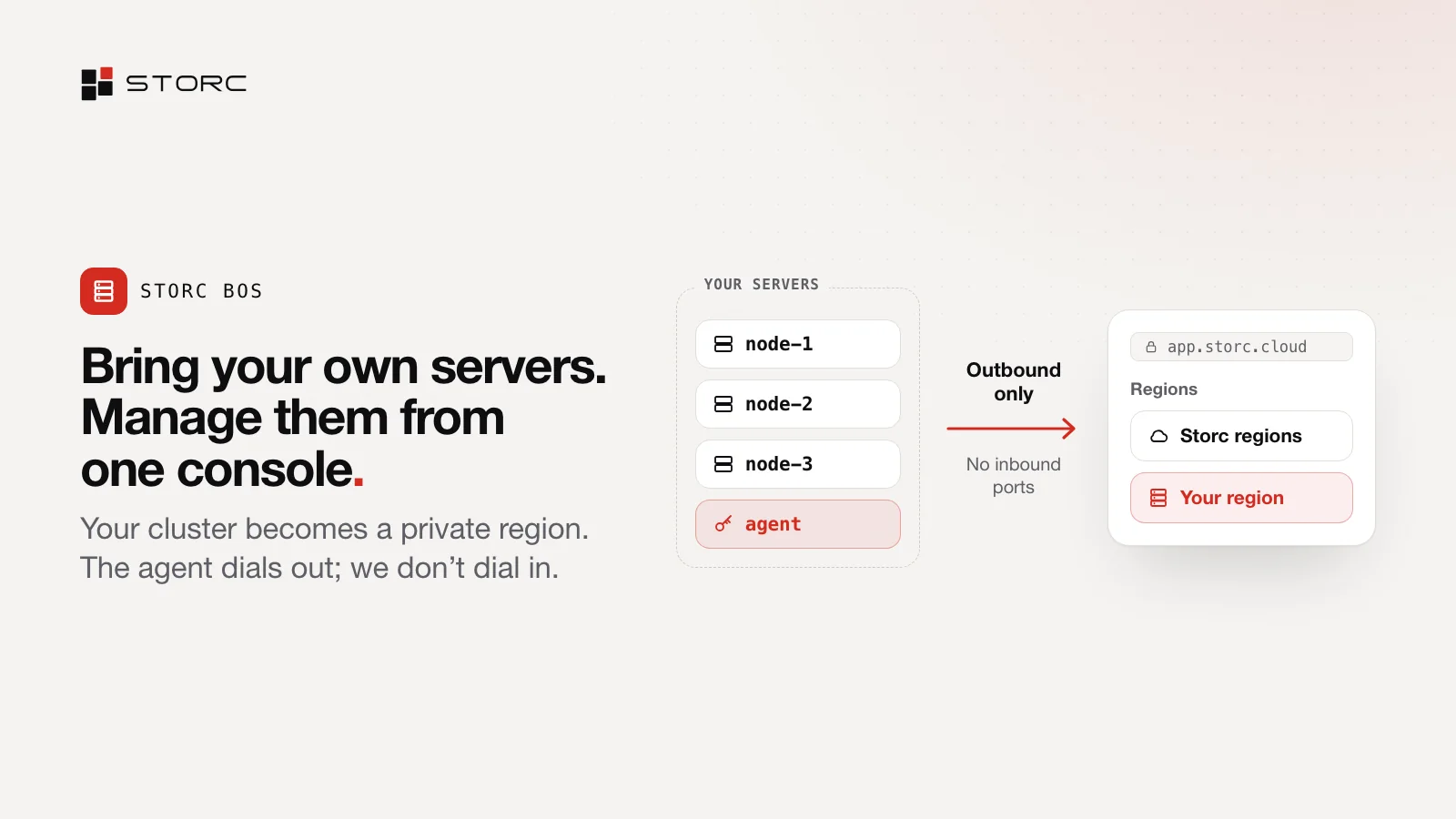
With Storc BOS, your own cluster becomes a region, and a small service called the agent connects it to Storc. The agent dials out; we don’t dial into your network, so there are no inbound ports to open and no inbound firewall rules to write. Your own servers then show up in the same console, as a region only your organisation can see.
Who it’s for
- Developers and small teams. Start free and pick a plan when you need more; usage is metered by the hour. As you grow, connect your own servers to the same console.
- Companies with their own clusters. Your cluster stays where it is. With Storc BOS, your team manages it from one console, with roles and an activity log, and the admin stops being the bottleneck.
- Hosting providers and agencies. Sell cloud to your customers under your own brand with Storc Reseller, or from your own data centre with Storc On-prem.
- Enterprises. See locations and clusters in one view, with roles, single sign-on and a record of every action. If you need it, the whole platform runs in your own data centre.
What Storc isn’t
Storc isn’t virtualisation software. It doesn’t replace your cluster; it runs on top of it, and you manage it all from one console. It isn’t only a server rental company either: you can run the same platform on your own hardware. And it doesn’t tie you to a single provider, because its core is open source.
Get started
Your first server, ready in 5 minutes. Create your account at app.storc.cloud and start on the Free plan, which includes $5 of usage in your first month; the step-by-step guide walks you through it. Want to connect your own servers or sell under your own brand? Talk to us.