Choosing Kubernetes is the easy part. The next question is harder: who sets up the control plane, and who keeps it running?
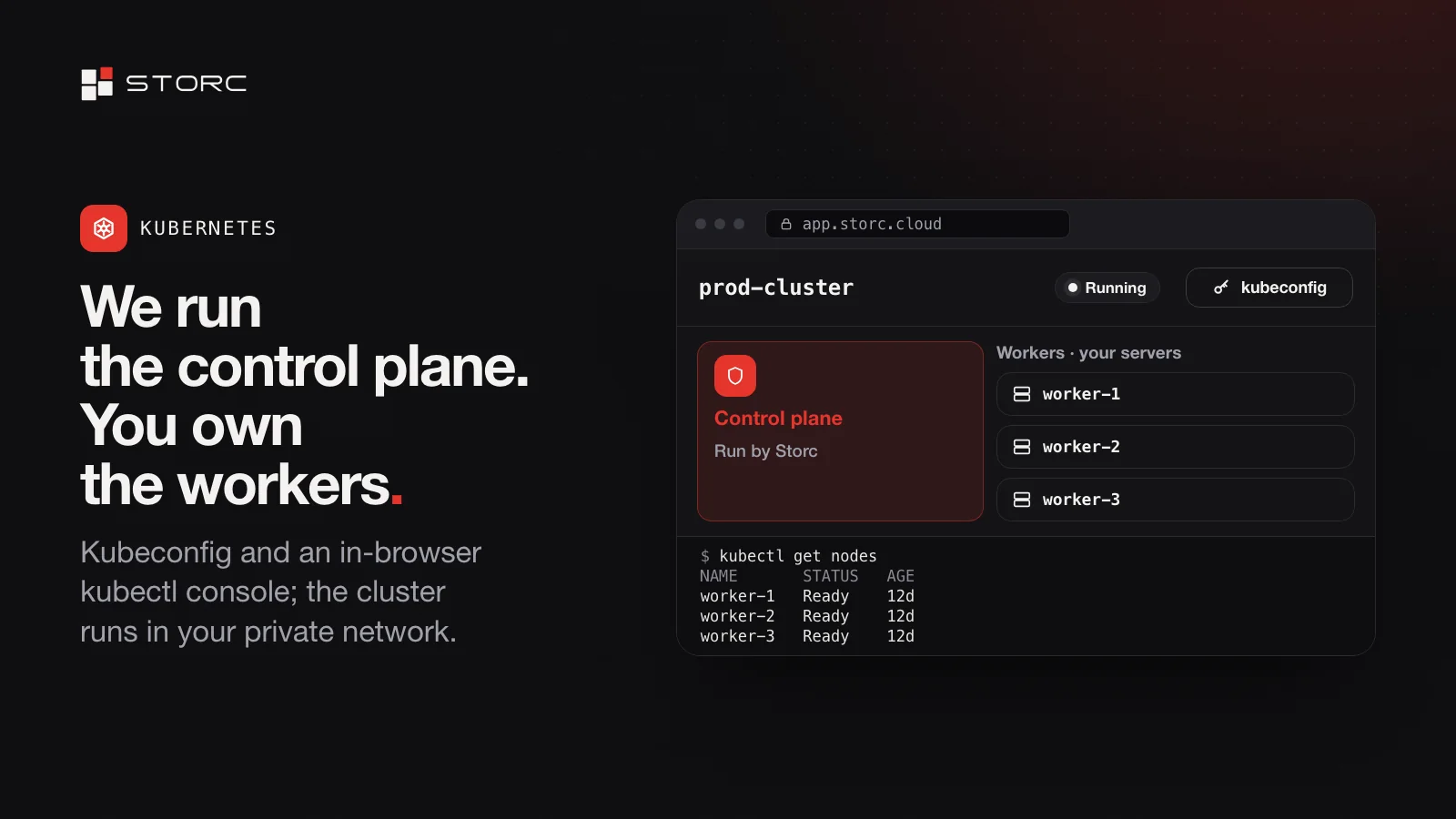
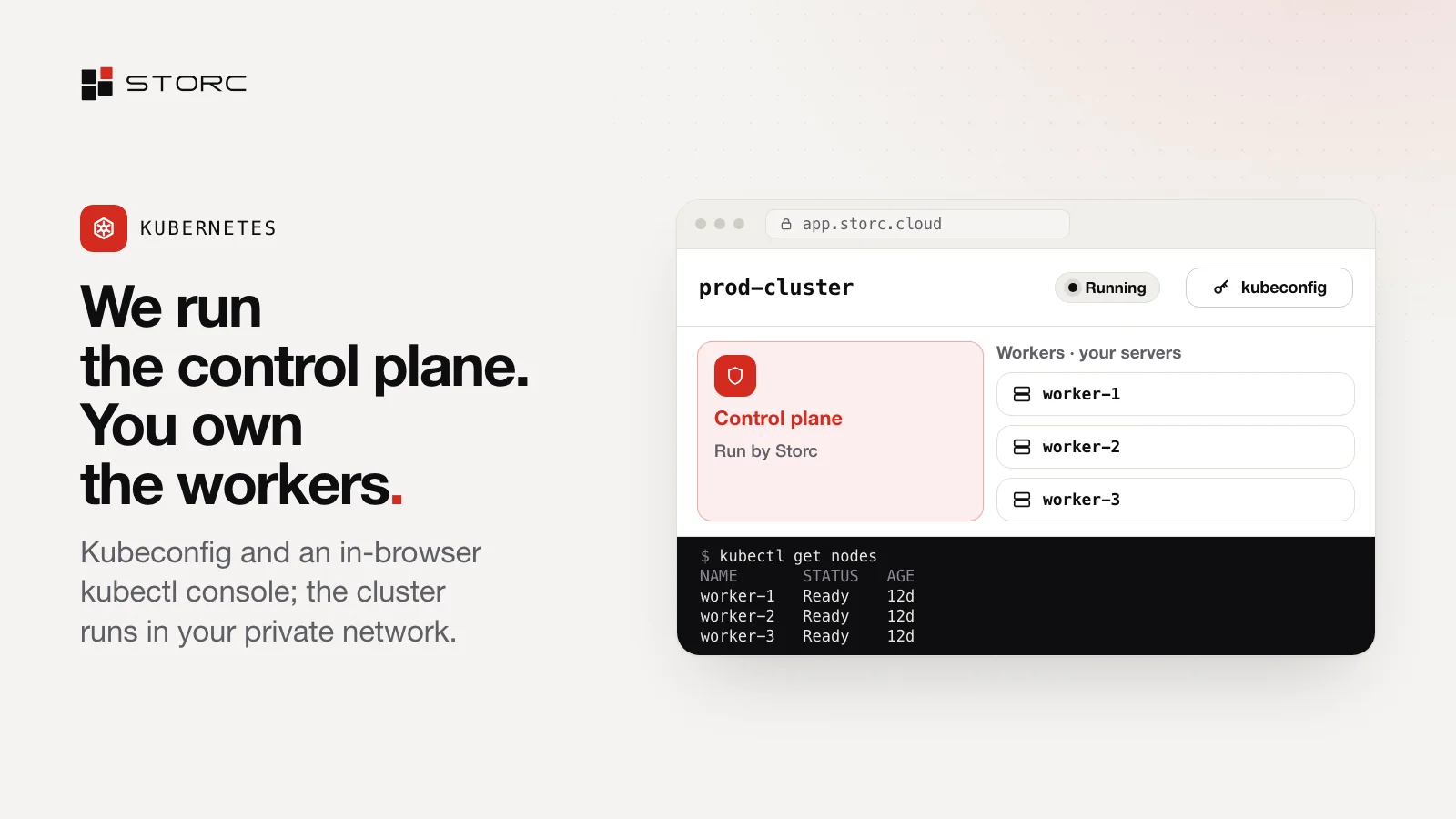
On Storc Cloud, the answer is simple. We run the control plane; the workers are your own servers. This post explains the split, how you reach the cluster and how you put an app in front of the internet.
The split: what we run, what you own
| Part | Who runs it | What that means for you |
|---|---|---|
| Control plane | Storc, on one or three nodes | You choose the node count; we run it |
| Workers | You: they are your own servers | You decide what runs on them; they’re metered by the hour like any other server |
| Workloads | You | Your apps, your manifests, your releases |
The control plane runs on Talos Linux, a minimal operating system built for Kubernetes. It sits next to your servers in the same console, with the same roles and the same invoice.
One or three control-plane nodes
When you create a cluster, you choose a control plane on one node or on three. Either way, we run it, and your workers stay yours.
Your cluster lives in your private network
Each cluster is built inside your private network, next to the servers it runs on. Nothing about it is public until you decide to expose something, and when you do, a load balancer goes in front of it.
Access: kubeconfig and kubectl in the browser
Owners and admins can download the cluster’s kubeconfig; members and viewers can’t. For a quick check, there’s a kubectl console right in the browser, with nothing to install locally.
# In the in-browser kubectl console
kubectl get nodes

# Or locally, with the kubeconfig you downloaded from the console
kubectl --kubeconfig ./kubeconfig get nodes
kubectl --kubeconfig ./kubeconfig get pods --all-namespaces
Create your first cluster
- Open Kubernetes in the console and give the cluster a name.
- Choose one or three control-plane nodes.
- Pick the private network it lives in.
- Review the summary and confirm. Every create shows a summary first, and nothing starts until you confirm.
Put a load balancer in front of your cluster
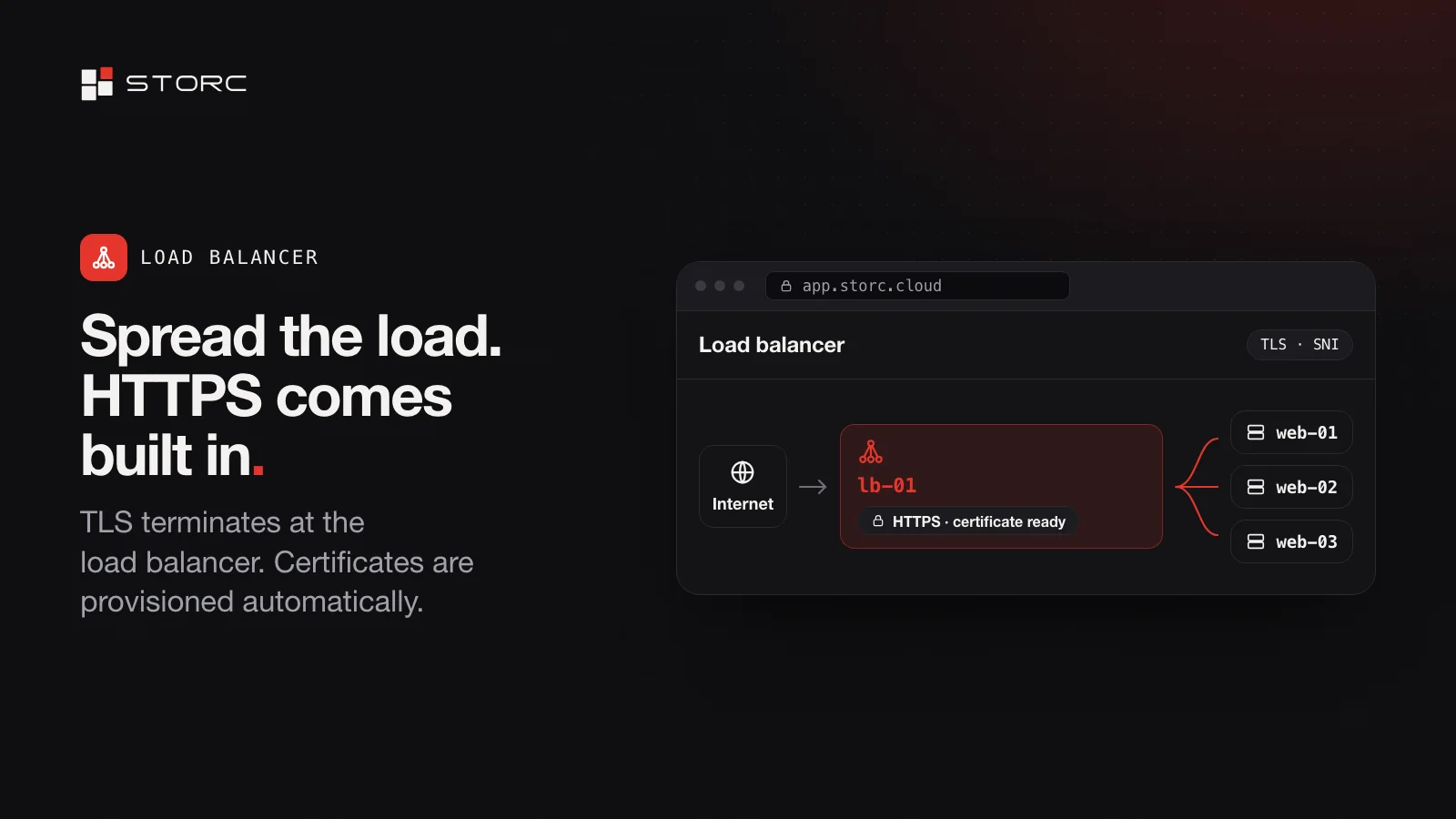
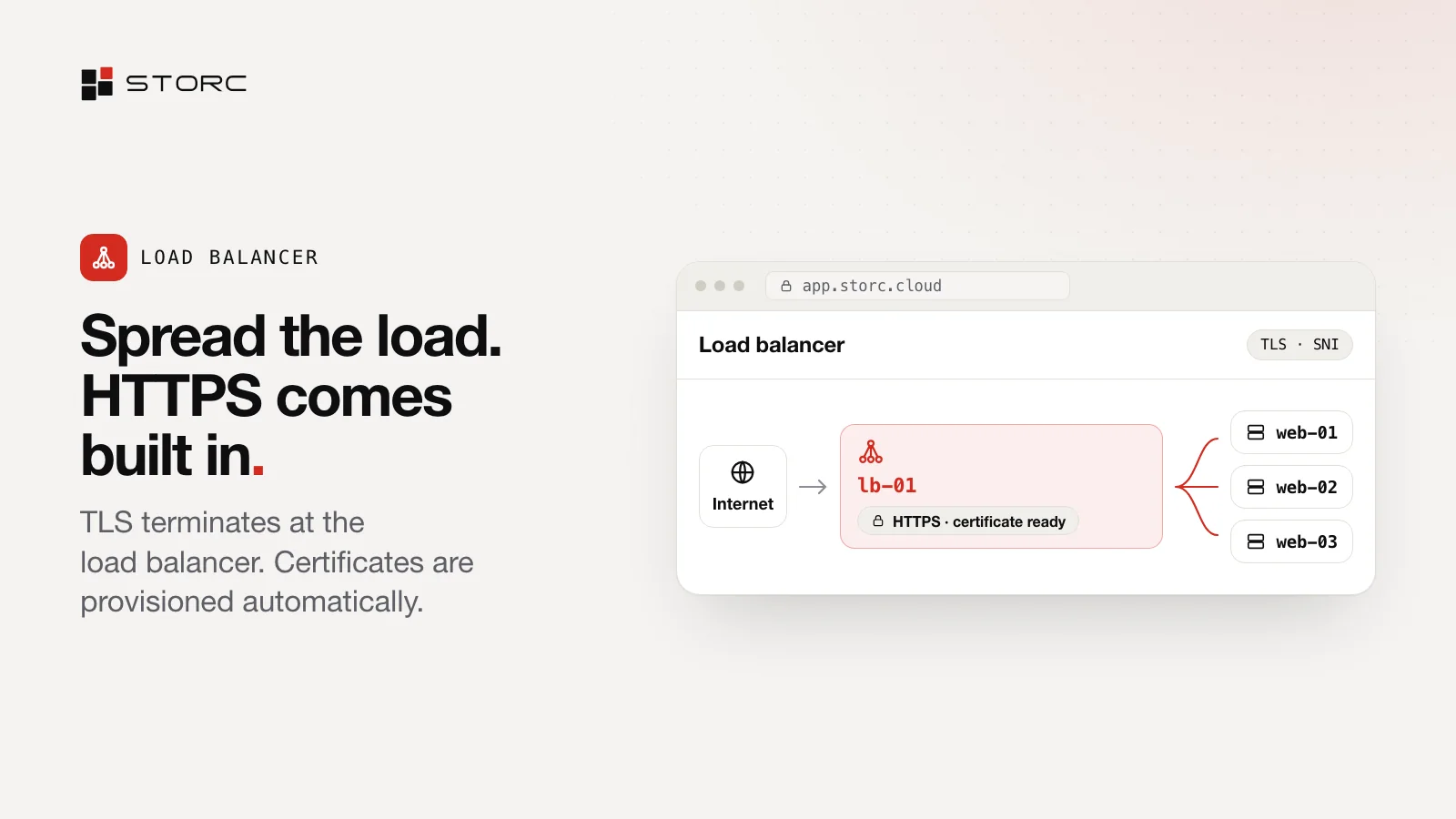
A load balancer’s target can be your servers or a Kubernetes cluster. For HTTPS, TLS terminates at the load balancer and the certificate is issued and renewed automatically; plain HTTP is redirected to HTTPS. TCP traffic can be routed by SNI, and targets are checked with TCP health checks. Keep the load balancer on your private network, or open it to the internet.
Then point your domain at it: in Domains & DNS, bind a record to the load balancer’s listener.
Billing and permissions
Workers are your servers, so their usage is metered by the hour and shows up on the same invoice as the rest of your infrastructure. Only owners and admins get the kubeconfig, and every action lands in the activity log.
When this setup fits
- You want Kubernetes without running the control plane yourself.
- You want clusters next to your servers, storage, networking and DNS, in one console with one invoice.
- You want cluster access to follow your team’s roles.
Quick answers
Who runs the control plane? We do, on Talos Linux, on one or three nodes.
What are the workers? Your own servers, metered by the hour like any other server.
Who can download the kubeconfig? Owners and admins.
How do I expose an app? Point a load balancer at the cluster and keep it private or open it to the internet. For HTTPS, the certificate is issued and renewed automatically.
Create your first cluster from the Kubernetes menu at app.storc.cloud. New to Storc? Start with your first server.